Microsoft announced on September 1, 2026 that memory integrity would start rolling out automatically to eligible devices from October 2026. That announcement is a month old - not news by itself. What makes it timely right now is that October 2026 Patch Tuesday lands on the 13th, and it is exactly the kind of update wave this rollout rides on. If you have not made an explicit policy decision yet, this is the checklist to run before that update reaches your fleet, not after.
This is deliberately short. For the full explanation of what memory integrity is, why the rollout targets unmanaged devices, and the complete CSP/GPO reference, see the site's existing Memory Integrity auto-enable walkthrough. This post only covers what that one does not: a pre-flight checklist, and - new here - what to actually do if a device fails to boot after memory integrity turns on.
Microsoft's own documentation is explicit: incompatible drivers can cause memory integrity to produce a boot failure, in rare cases, either after enablement or during the enablement process itself. The rollout respects any policy you have already set - but an unmanaged device is not protected by that rule. Run the five checks below before October 13, not after a help desk ticket forces the issue.
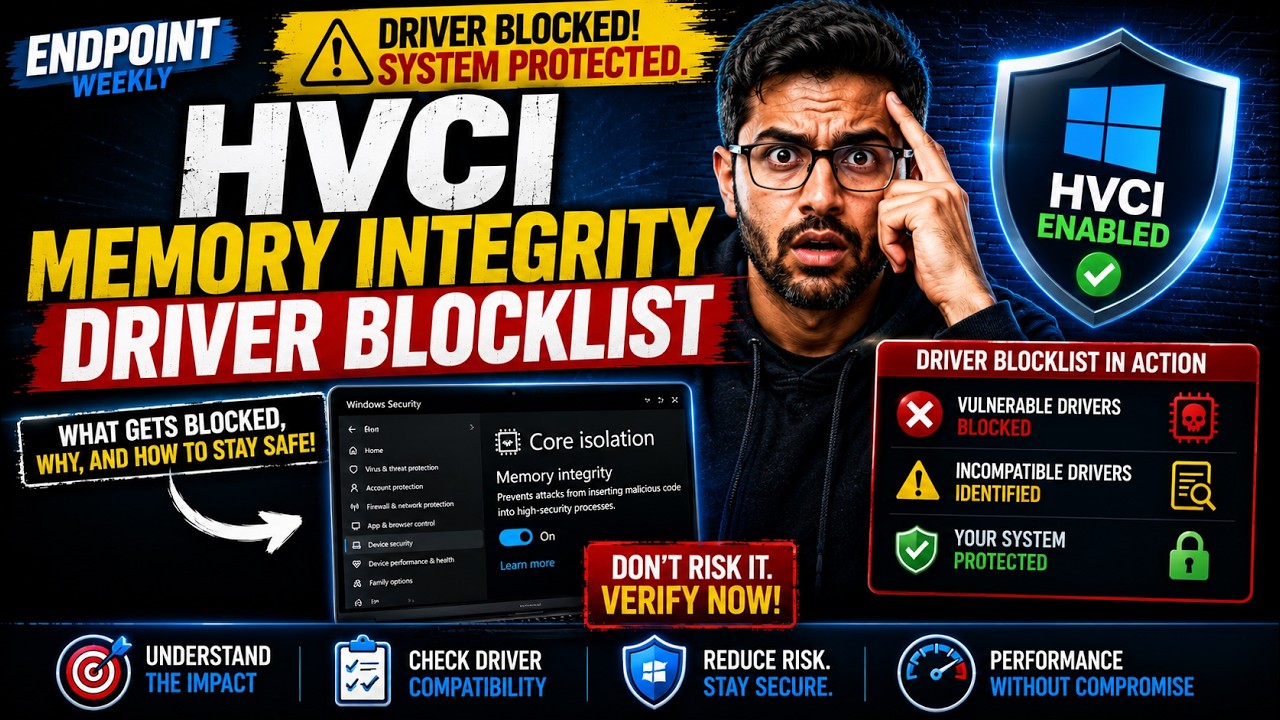
The problem: the clock is the news, not the feature
Memory integrity itself is not new, and neither is this specific rollout announcement - both have been covered on this site already. What has changed since that first post went up on September 2 is simple: it is now October, the rollout window Microsoft named has opened, and the next scheduled Windows update that could plausibly carry it to an unmanaged device in your fleet is Patch Tuesday, October 13, 2026.
If you already set an explicit policy, nothing below changes anything for you - the rollout does not touch devices with an existing decision. This post is for the devices nobody has touched yet, and for making sure the one failure mode Microsoft itself calls out does not catch your help desk by surprise.
Why it happens: Microsoft's own warning, verbatim
This is not a theoretical risk EndpointWeekly is adding for caution's sake - it is Microsoft's own published warning, word for word, at the top of its memory integrity enablement documentation:
Two details in that warning matter more than they first appear to. First, "rare" is doing real work - this is not an expected outcome, it is a tail-risk one, which is exactly why it is easy to skip preparing for. Second, the failure can occur during the enablement process itself, not only afterward - so the window where something can go wrong includes the moment the update applies, not just the state the device settles into once the update finishes.
How to verify: the five-point pre-flight check
Run this before Patch Tuesday, not as a reaction to it.
| # | Check | Command / location |
|---|---|---|
| 1 | Is this device already managed for this setting? | Get-ItemProperty 'HKLM:\SOFTWARE\Policies\Microsoft\Windows\DeviceGuard' -ErrorAction SilentlyContinue |
| 2 | What is the current runtime state? | Get-CimInstance -ClassName Win32_DeviceGuard -Namespace root\Microsoft\Windows\DeviceGuard |
| 3 | Is memory integrity locked (UEFI) or unlocked? | Check the Locked value under HKLM\SYSTEM\CurrentControlSet\Control\DeviceGuard - 1 = UEFI-locked, cannot be turned off remotely |
| 4 | Has this fleet's driver set been checked against known incompatibilities? | See the site's driver blocklist post before enabling anything at scale |
| 5 | Does every admin on call know the WinRE recovery path? | See the fix below - write it down before Patch Tuesday, not during an outage |
VirtualizationBasedSecurityStatus = 1 (enabled but not running) rather than 2. That usually means a hardware or firmware prerequisite is missing - check Secure Boot and virtualization extensions in firmware before assuming the policy itself is broken.The fix: what to do if a device fails to boot
This is the part most write-ups about this rollout skip, because most devices will never need it. Microsoft's own documentation gives the exact recovery path - keep it somewhere your on-call admins can find it without searching, since a device stuck at a blue screen is not a good time to start reading documentation for the first time.
- Boot to the Windows Recovery Environment (WinRE) on the affected device. If it does not start automatically after repeated failed boots, interrupt the boot sequence three times in a row to force WinRE, or boot from recovery media.
- Open a command prompt from WinRE's Advanced options.
- Turn memory integrity off directly in the offline registry hive, then restart:
If the device was managed by Group Policy or Intune, also disable the policy itself at the management layer before the device checks in again - otherwise the next policy refresh simply re-applies the setting that just caused the failure.
Proof it worked
A recovered device boots normally, and Get-CimInstance -ClassName Win32_DeviceGuard shows memory integrity no longer in the running set. At the fleet level, the actual target is narrower than "no incidents" - it is that every admin who could get paged for this already knows the WinRE steps above before Patch Tuesday ships, not after the first ticket comes in.
References
- Expanding memory integrity protection across Windows devices - Microsoft's original announcement, published September 1, 2026, confirming the October 2026 start and the "existing policies remain in effect" rule.
- Enable memory integrity - source of the verbatim boot-failure warning and the WinRE recovery steps used in this post.
- Windows 11, version 26H2 known issues - the page to recheck after Patch Tuesday ships; it does not currently list a memory integrity entry.
Related on EndpointWeekly
- Windows Will Auto-Enable Memory Integrity in October 2026 - the full explainer: what memory integrity is, why unmanaged devices are the target, and the complete CSP/GPO reference.
- Memory Integrity will not turn on: finding the incompatible driver - what to do when a specific driver is standing in the way.